Edit native text
Rewrite headings, labels and body copy in text layers. Adjust typography and check line breaks.
Rebuild PNG, JPG or WebP UI screenshots as layered designs. Edit in your browser, then export .fig files to continue in Figma.
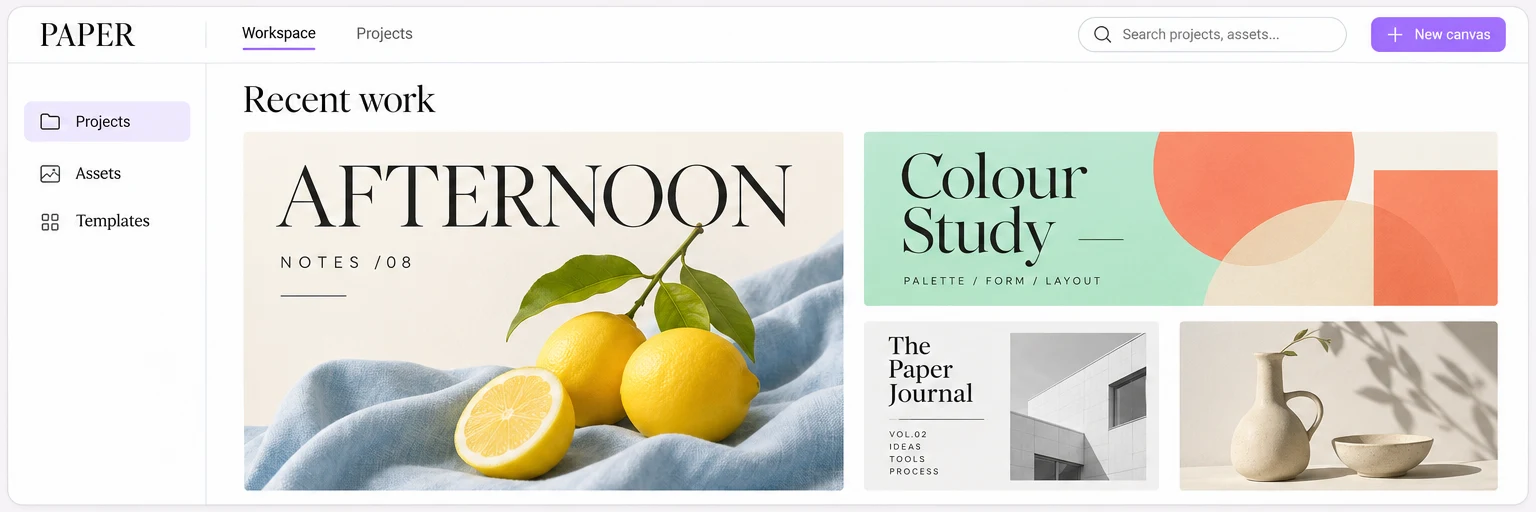
 Interface illustration
Rewrite headings, labels and body copy in text layers. Adjust typography and check line breaks.
Move layers, adjust stacking order and position images.
Save your project to keep editing, or export a .fig file for Figma. Review fonts and complex effects after import.
Choose a PNG, JPG or WebP interface image with readable text and the full area you want to rebuild.
Review the usage estimate and confirm a task spending limit before starting generation.
Compare text, layout and images with your source, then export a .fig file for Figma.
Upload PNG, JPG or WebP screenshots of app screens, web interfaces or dashboards. Use a clear source with readable text and include the full area you want to rebuild.
Generation is billed by actual usage. Review the estimate and confirm a task spending limit before starting. Work may pause at the limit; the limit does not guarantee completion.
A design may contain native text, shapes and image layers. Edit the available native text and shapes, and move or resize images. Photos and illustrations remain bitmaps. Check the actual layers to see what you can change.
Start in the Reifora browser workspace without installing a Figma plugin. Edit the result in your browser or export a .fig file and import it into Figma. Check fonts, line breaks and complex effects after import.